Auto-refresh for Insights dashboards
Insights dashboards now support automatic refresh intervals, so you can keep an eye on live data without manually clicking the refresh button. Choose from preset intervals (30 seconds, 1 minute, 2 minutes, 5 minutes, or 15 minutes) and the dashboard widgets will update themselves in the background.
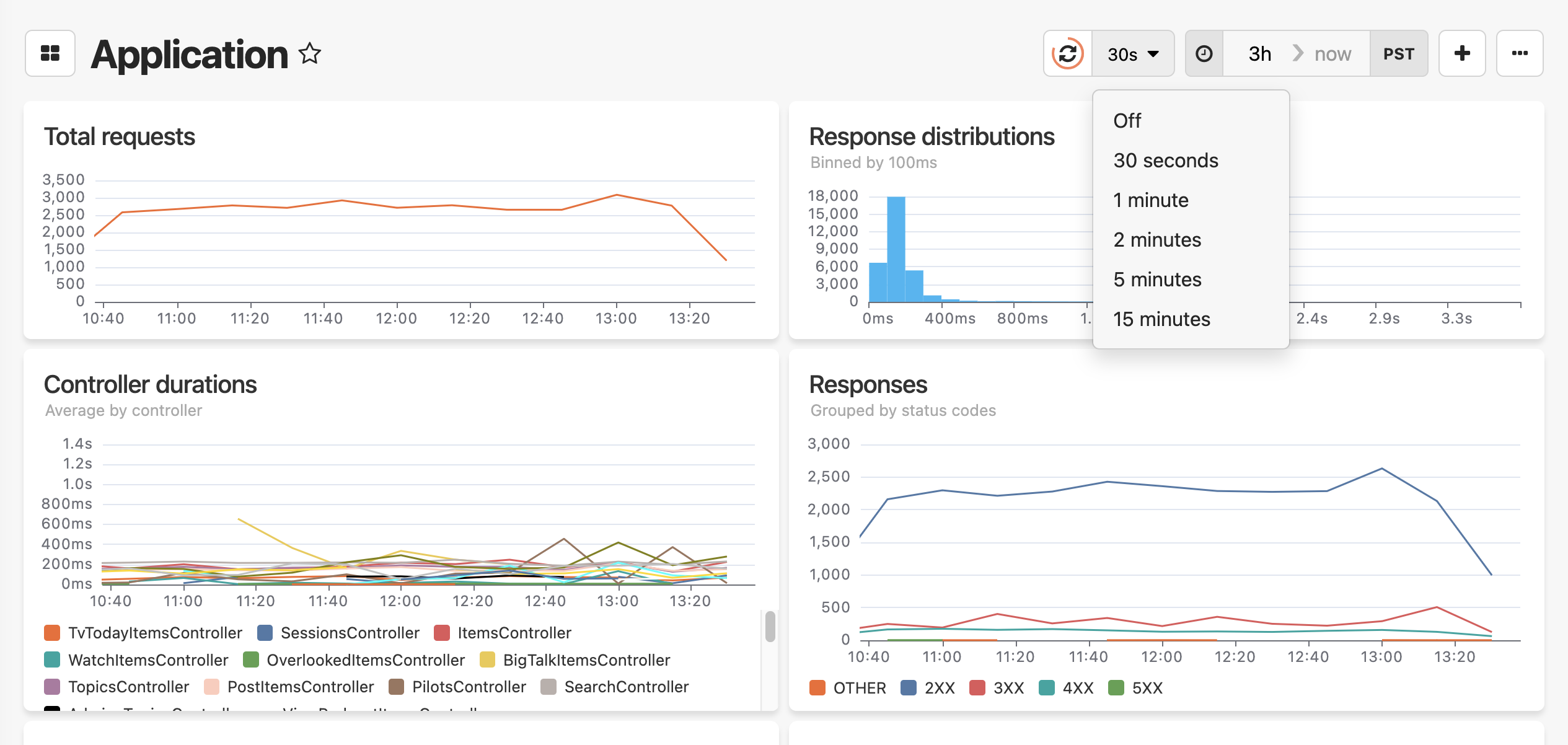
Here's how to try it:
- Navigate to Dashboards in your Honeybadger project
- Click the clock icon dropdown (left of the refresh button) in the toolbar
- Select your preferred refresh interval—the button displays the current setting (e.g., "30s", "5m")
Select "Off" to disable auto-refresh at any time. For more on building and customizing dashboards, see the Insights Dashboards documentation.
Try Honeybadger for FREE
Honeybadger is full-stack application monitoring that helps developers move fast and fix things. Get set up in minutes and check monitoring off your to-do list.
Easy 5-minute setup — No credit card required