Track Backlog issues from Honeybadger errors
If your team uses Backlog for project management, keeping track of production errors alongside your existing tasks and issues used to mean copying error details between tools manually.
Backlog is a project management and collaboration platform for tracking issues, tasks, and bugs. When errors occur, Honeybadger automatically creates issues in your Backlog project — including the error details and a link back to Honeybadger for full context.
Honeybadger's integration with Backlog supports:
- Automatic issue creation: When an error occurs, Honeybadger creates a Backlog issue in the project you choose.
- Two-way issue sync: Resolve an error in Honeybadger, and the linked Backlog issue updates automatically. Close the issue in Backlog, and Honeybadger marks the error resolved.
- Configurable issue settings: Map issue types, priorities, and statuses to match your team's Backlog workflow.
- Custom templates: Customize the issue title and description to include the error details your team needs.
- Link existing issues: Already have a Backlog issue for a known bug? Search and link it to the Honeybadger error directly.
Getting started
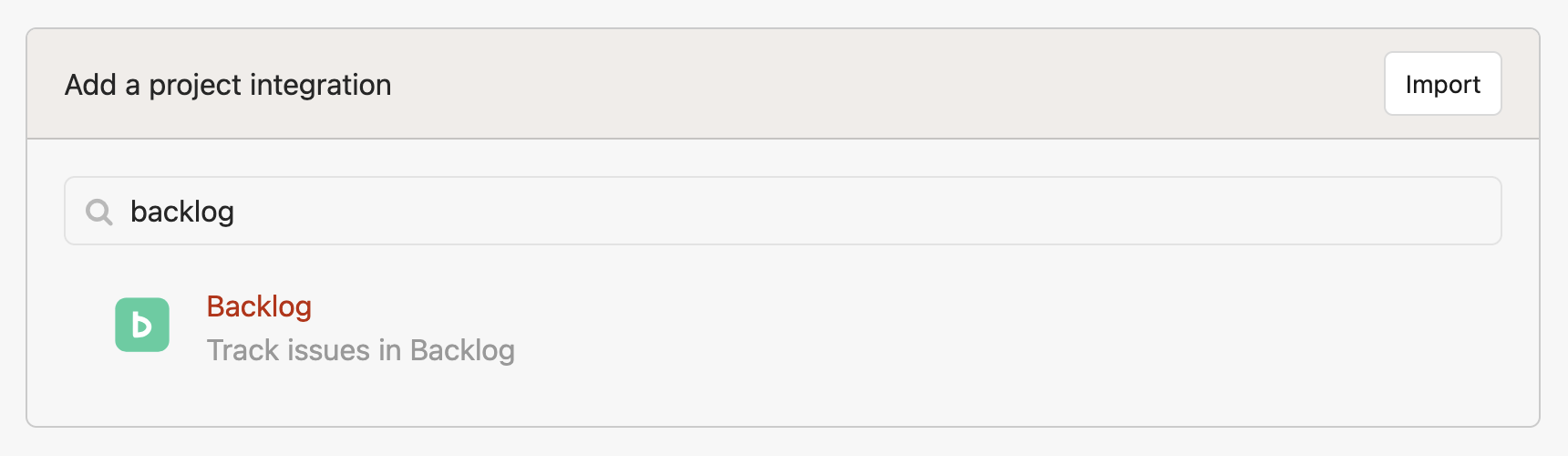
- Go to your project Settings → Alerts & Integrations in Honeybadger
- Select Backlog from the integration list
- Enter your Backlog Space URL and API key (supports both
.backlog.comand.backlog.jpinstances) - Click Fetch Projects to load your Backlog projects
- Select a project and configure your issue type, priority, and status mappings
- Save the integration
The Backlog integration is available on Team, Business, and Enterprise plans. See the Backlog integration guide for full setup instructions.
Try Honeybadger for FREE
Honeybadger is full-stack application monitoring that helps developers move fast and fix things. Get set up in minutes and check monitoring off your to-do list.
Easy 5-minute setup — No credit card required