Include a GitHub issue type when creating issues
When Honeybadger creates a GitHub issue for an error, you can now specify an issue type—like Bug, Feature, or Task—so those issues land in your GitHub workflow already categorized, just like issues your team creates manually.
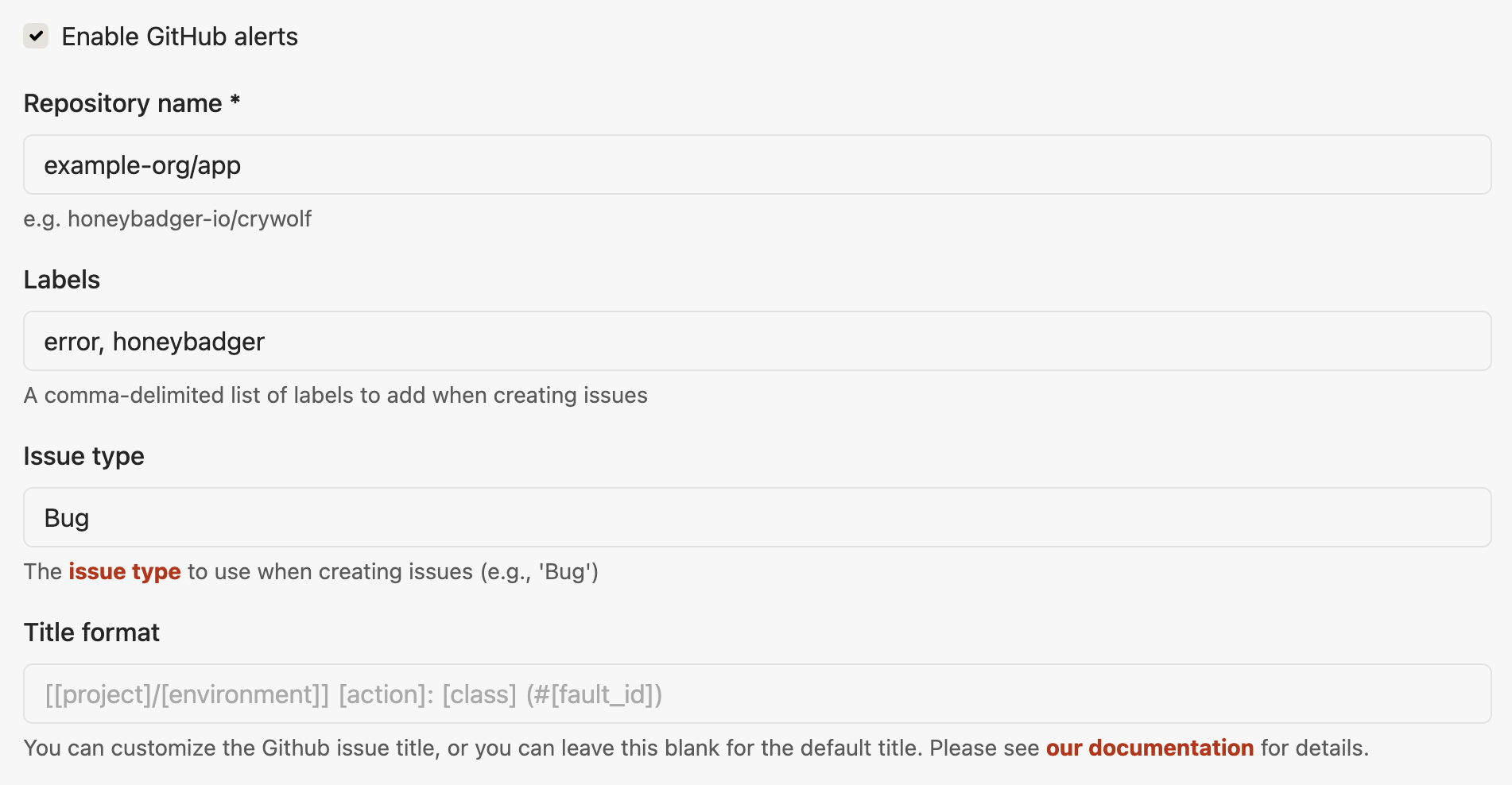
Here's how to set it up:
- In Honeybadger, go to Project → Settings → Alerts & integrations → GitHub
- Enter the issue type name in the new Issue type field (e.g.,
Bug) - Save your settings
The type name must match one of the types defined in your GitHub organization.
See the GitHub integration guide to learn more about how Honeybadger integrates with GitHub.
Try Honeybadger for FREE
Honeybadger is full-stack application monitoring that helps developers move fast and fix things. Get set up in minutes and check monitoring off your to-do list.
Easy 5-minute setup — No credit card required